
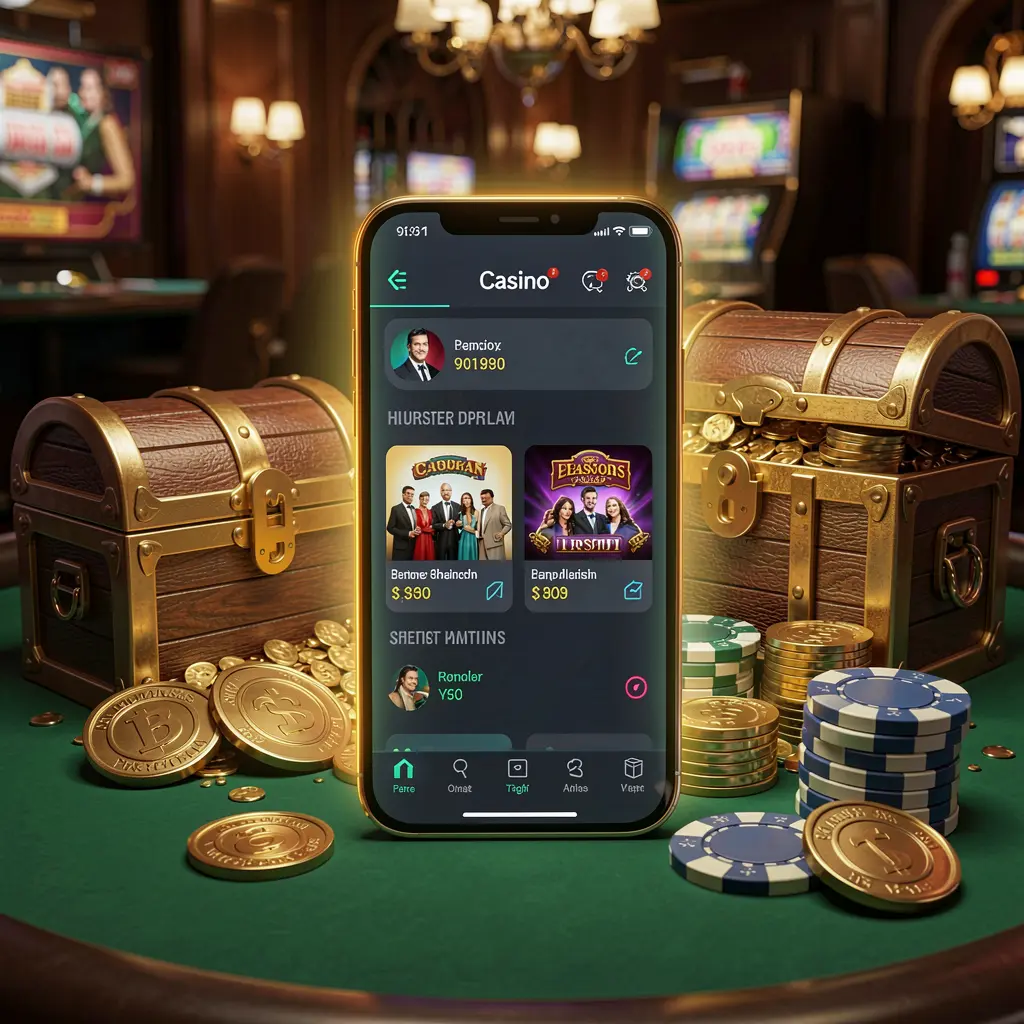
Download the F7777 Mobile App
The F7777 mobile app is designed for players who prefer managing their account away from a desktop screen. It keeps the main platform functions within easy reach while you are using your phone.
📲 How to Download the F7777 APK
Android users can look for the current F7777 APK download link on the official F7777 website. Downloading from the official source helps you avoid outdated files and unofficial copies.
Before starting, take a moment to check the following:
- Use a compatible Android phone with enough available storage space.
- Keep a stable mobile-data or Wi-Fi connection during the download.
- Use the official F7777 page rather than links shared elsewhere.
- Review your device download warning before opening the installation file.

⚙️ Simple Installation Steps
Android may ask for permission before it installs an APK from a browser. This is a standard device setting for files that do not come through the Play Store.
- Visit the official F7777 site and select the Android app download.
- Wait until the APK file has finished downloading completely.
- Open the file from your browser downloads or notifications.
- Allow installation from the browser if your device requests permission.
- Choose Install, then open F7777 and sign in or register.
After installation, you can disable the temporary install permission in your phone settings if you do not need it for other applications.
Signing in on your phone
Use your existing account details to access F7777 on mobile. New users should complete registration carefully, use an original password, and keep account credentials private.
🚀 Mobile Features and Navigation
The mobile layout helps make common actions easier to find on a smaller screen. You can move between the game lobby, sports area, account section, and available support options without opening a separate browser tab.
Useful mobile functions may include:
- ⚡ Quick access to account and game categories from one menu
- 🔔 Optional alerts for account activity and platform updates
- 🌙 A phone-friendly layout for comfortable browsing at night
- 💳 Deposit and withdrawal request access from the account section
For a smoother session, close unused apps, keep your phone software current, and use a reliable connection when viewing live content or placing time-sensitive selections.
🎮 Casino and Sports Access on Mobile
F7777 mobile access brings the platform’s main entertainment areas to a compact screen. Available categories and events can change, so check the app lobby for the latest selection.
| Category | Mobile access |
|---|---|
| 🎯 Live Casino | Browse available live-table games from your phone |
| 🎰 Slots | Open slot categories and view game information |
| 🏏 Cricket | Check scheduled and live cricket markets |
| ⚽ Sports | Explore football, tennis, and other listed events |
| 👤 Account Area | Review profile, transactions, and settings |
Before confirming any gaming or betting activity, review the displayed rules, limits, and current information. Live markets can change quickly, particularly while an event is in progress.
Checking offers on mobile
If promotional offers are displayed in the app, read their terms before joining. Requirements, eligibility, and availability can vary, so use the offer page as the current reference.
🔐 Account Safety on the App
Protecting your phone is an important part of protecting your F7777 account. Use a screen lock, choose a password you do not reuse elsewhere, and never share verification codes with another person.
Avoid signing in through public Wi-Fi where possible. If your device supports fingerprint or face unlock, consider enabling it alongside your normal phone security settings.
Using F7777 Responsibly
The app can be a practical way to access F7777 while travelling or relaxing at home. Download only when you are ready to use the platform carefully and monitor your activity.
F7777 is intended for adults aged 18 and over. Set a personal spending limit, take regular breaks, and do not treat gaming or betting as a source of income. Seek support and use available account controls if it stops feeling manageable.
❓ App Troubleshooting and FAQs
Why will the F7777 APK not install?
Check that the file finished downloading, that your phone has free storage, and that installation from your browser has been allowed in Android settings.
Where should I download the F7777 app?
Use the official F7777 website for the latest available download link. Avoid APK files shared through unknown websites, messages, or social channels.
Can I use F7777 on an iPhone?
iPhone users can check the official F7777 website for the currently supported mobile access method. iOS installation options may differ from Android APK installation.
What should I do if the app stops opening?
Restart your phone, check your internet connection, and look for the latest version on the official site. Clearing app cache or reinstalling may also help.
Can I manage deposits and withdrawals in the app?
Use the account or cashier area in the app to view the payment options currently available to your account, along with relevant limits and instructions.